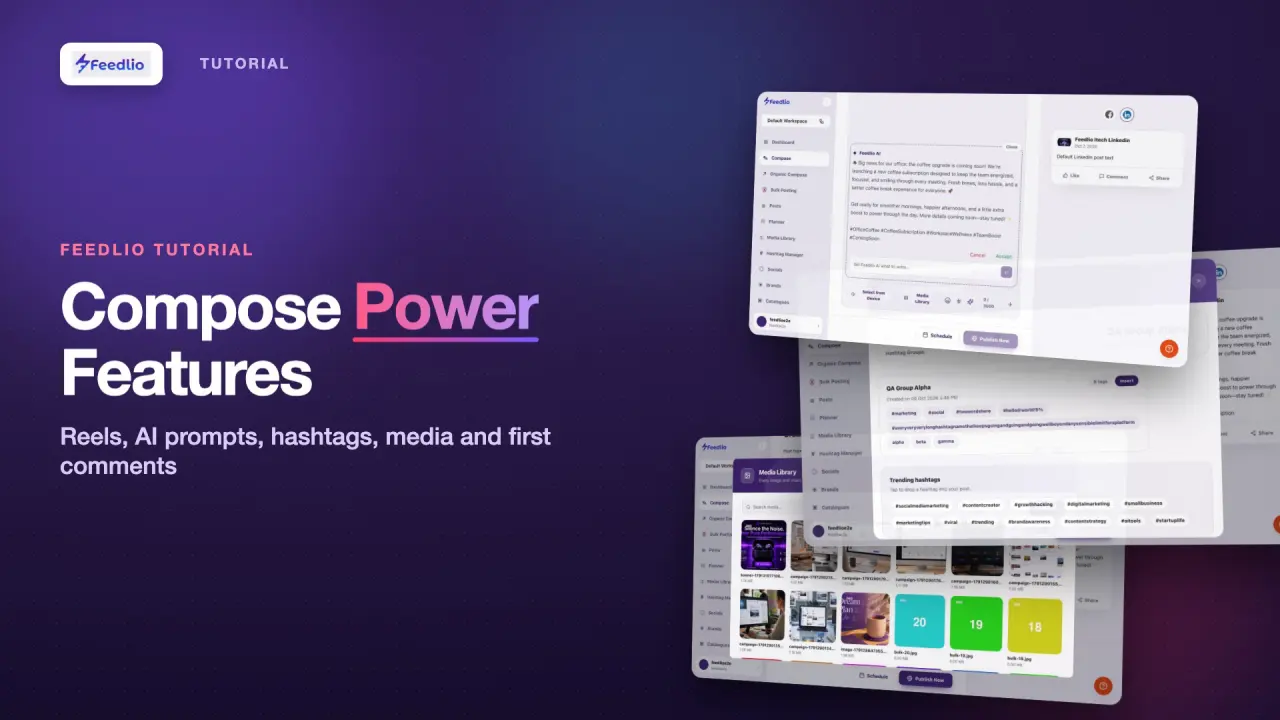
0:00You already know the basics of Compose. Now let's level up with Reels and Stories, writing a full post from a simple AI prompt, inserting saved hashtags, picking media, and adding an automatic first comment.
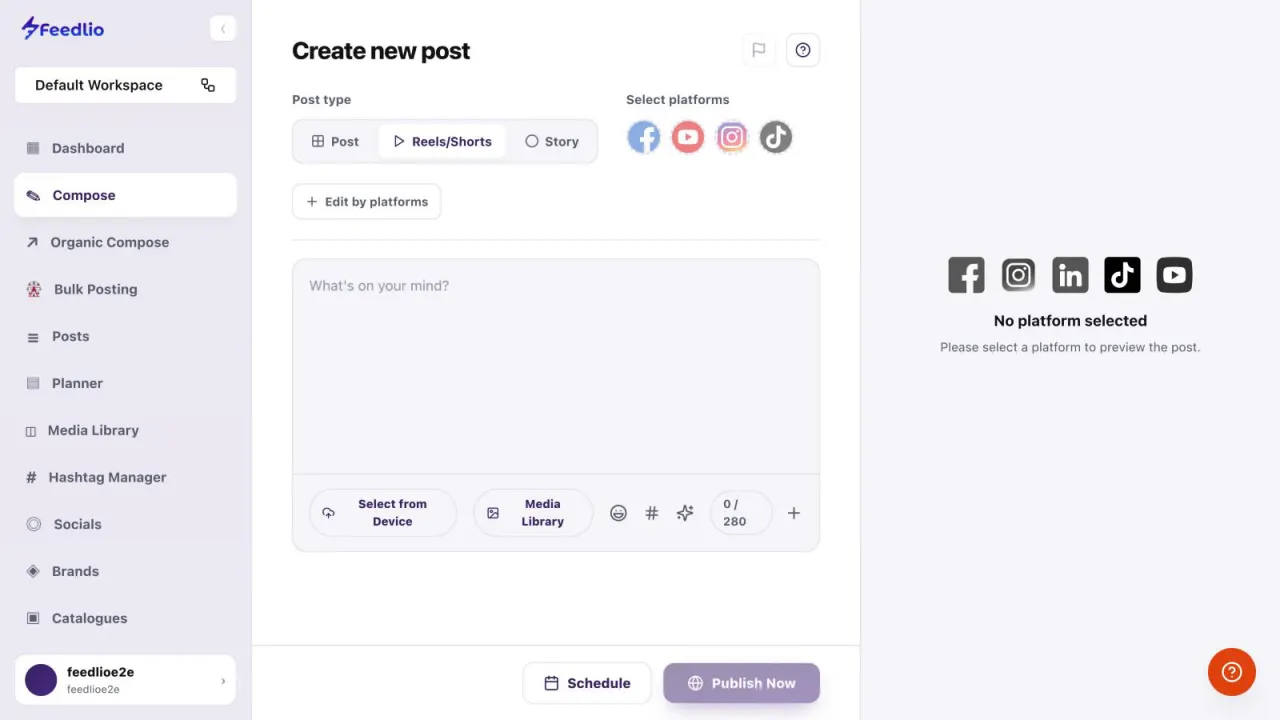
0:14Choose Reels or Shorts, or Story, at the top. Feedlio instantly shows only the accounts that support that format, like Facebook, YouTube, Instagram and TikTok for short videos.
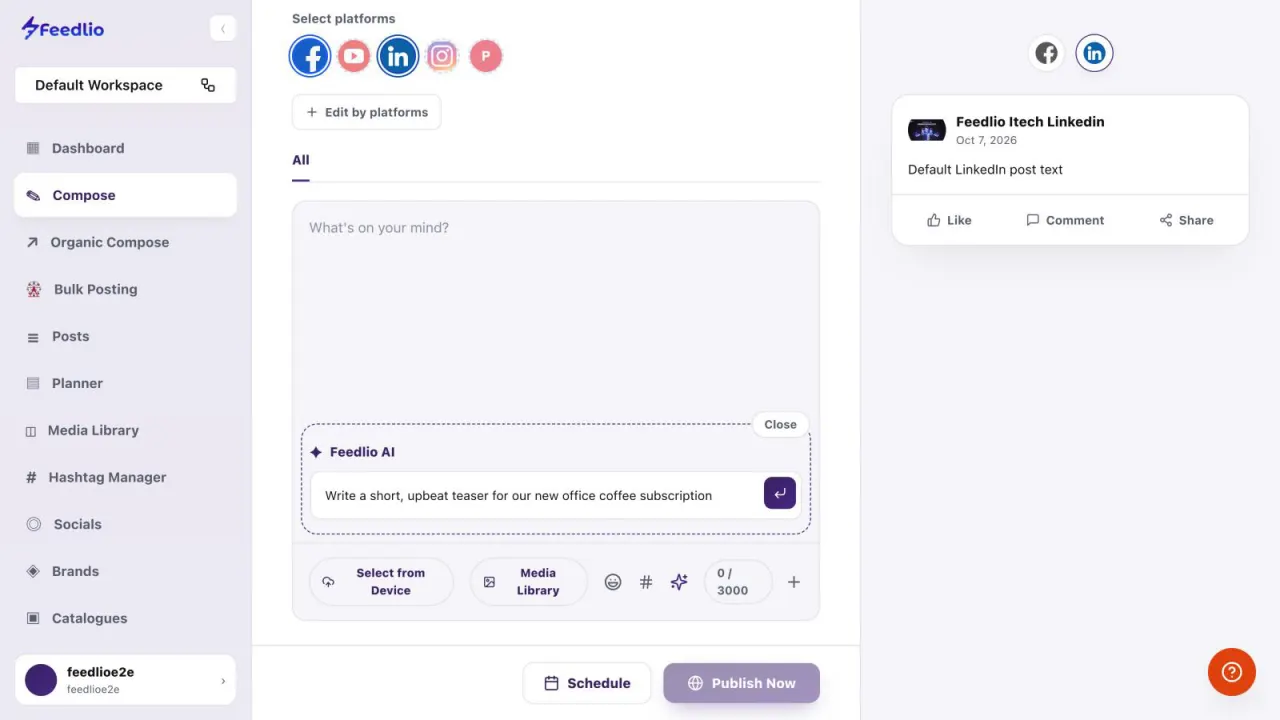
0:27Starting from a blank editor? Open Feedlio AI and simply describe the post you want, then press enter.
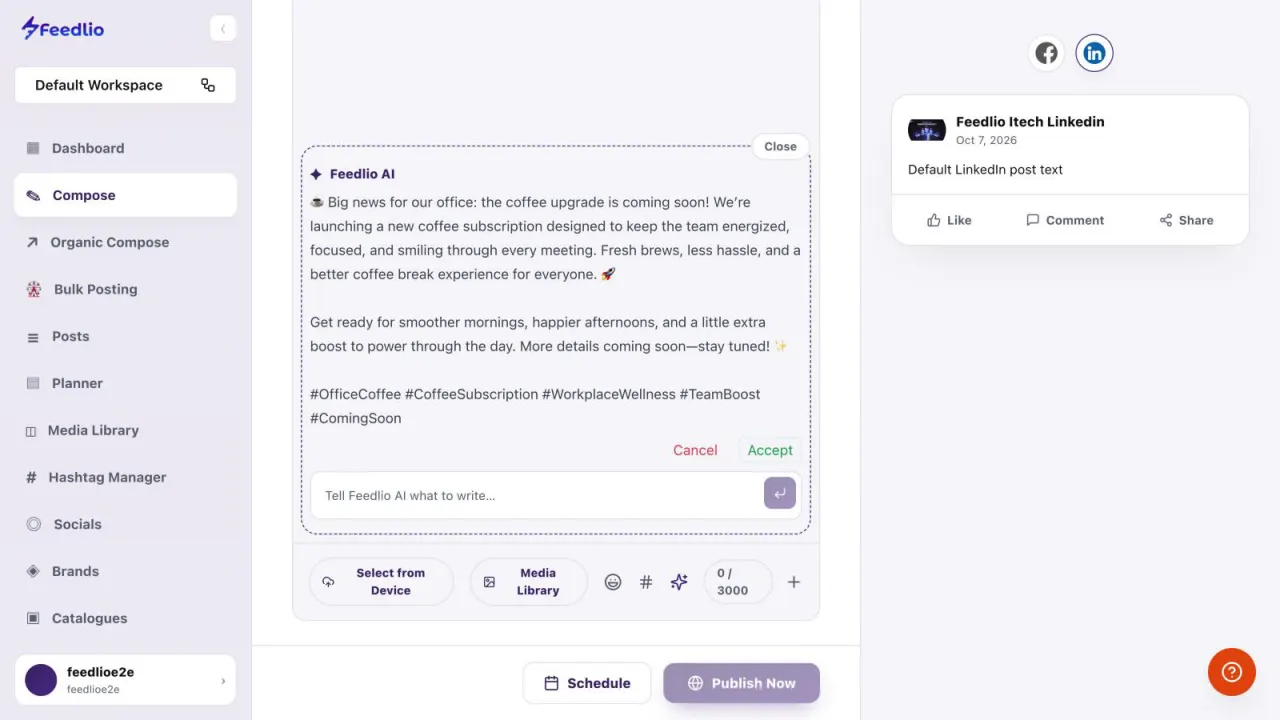
0:35In seconds, Feedlio AI writes a complete post, with emojis and relevant hashtags. Review it, then click Accept to drop it into your editor.
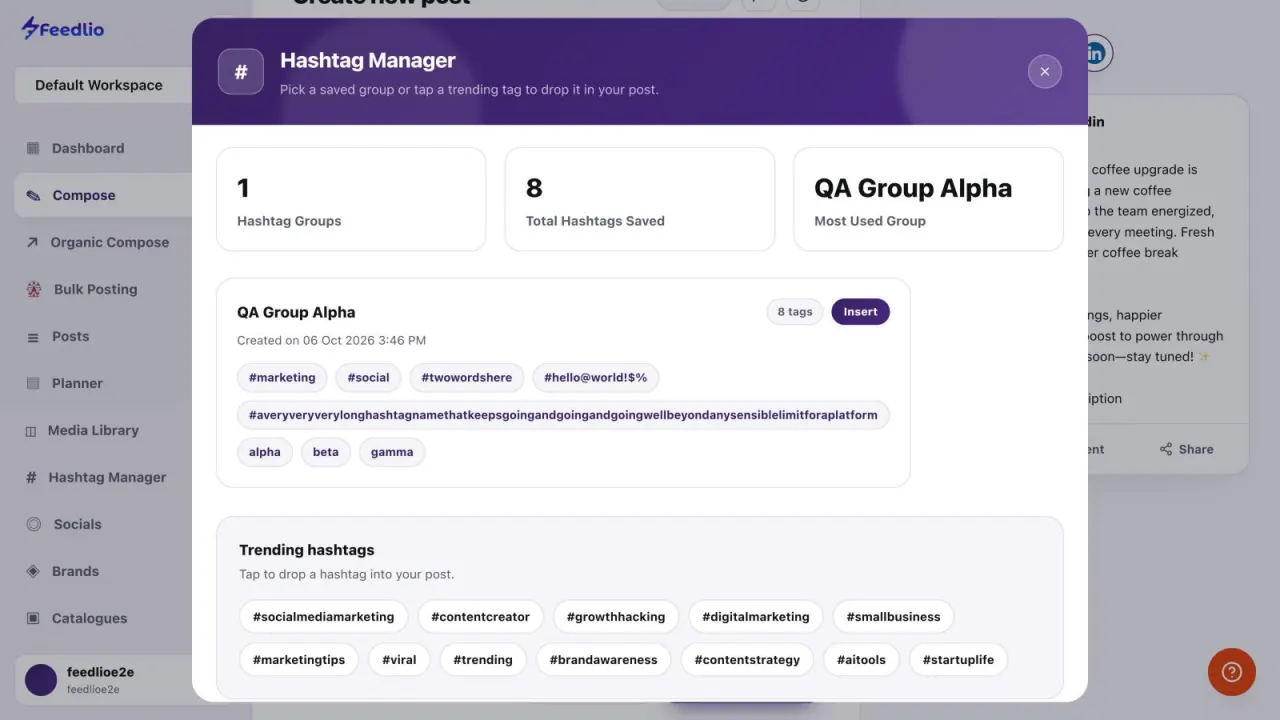
0:45Click the hashtag icon to open your Hashtag Manager. Insert a whole saved group with a single click.
0:53Or tap any trending hashtag to add it to your post on the spot.
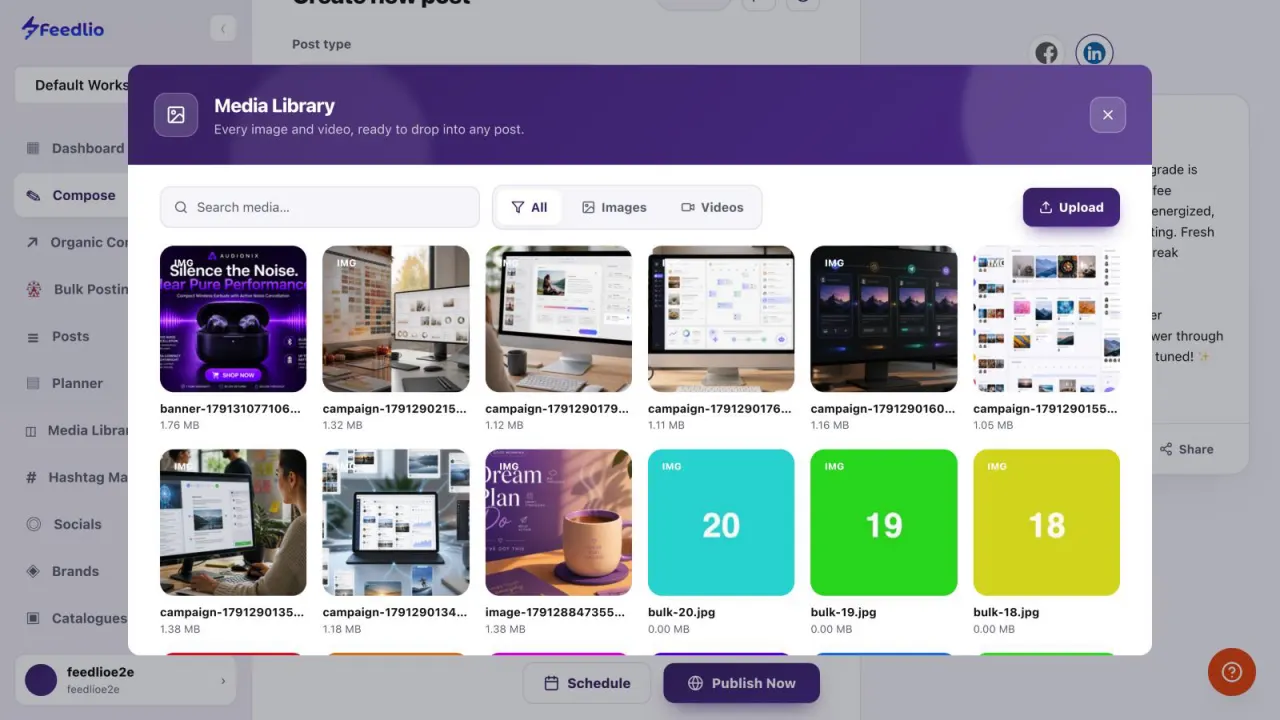
0:58Click Media Library to attach images or videos you've already uploaded, or that you created with Feedlio AI. Search, filter, or upload something new.
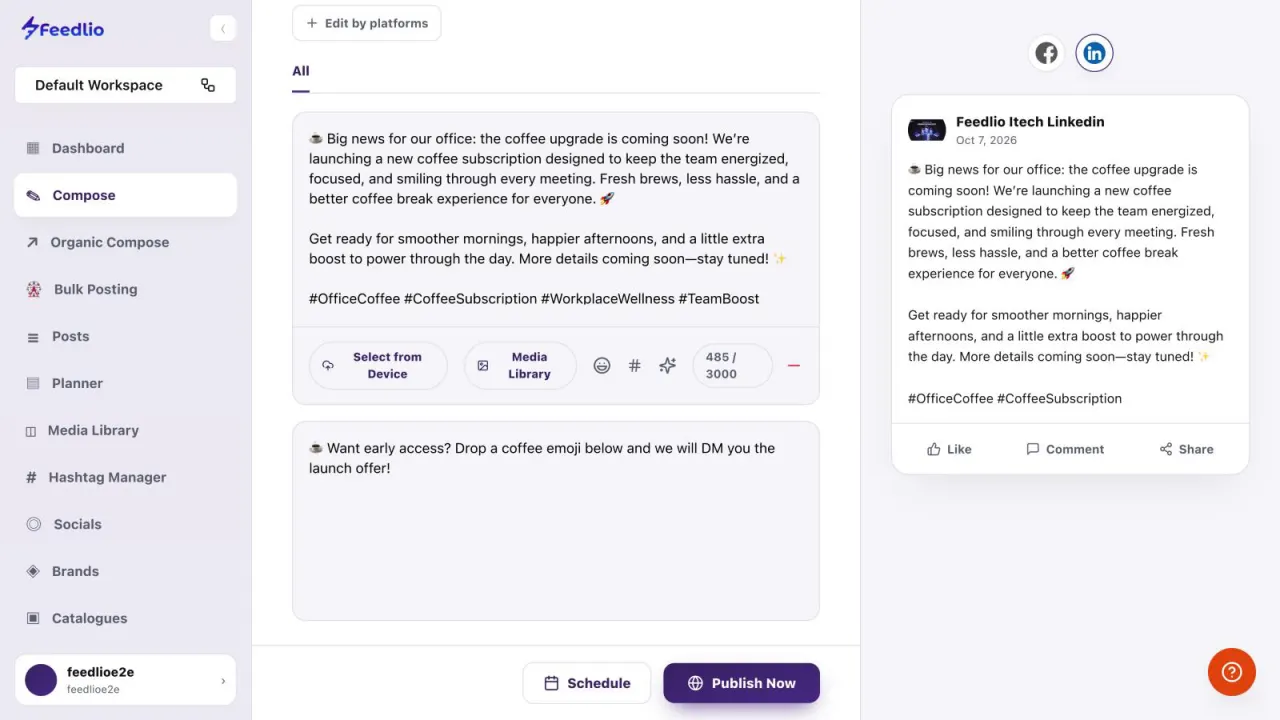
1:09Click the plus button to add a first comment. Feedlio posts it right after your post goes live. It's perfect for links, extra hashtags, or a call to action.
1:20Pro tip: keep an eye on the character counter. It automatically uses the limit of your selected platforms, so your post is never cut off.
1:30Recap: switch post types for Reels and Stories, prompt Feedlio AI to write for you, insert hashtag groups, pick media from your library, and add a first comment.
1:41Next level unlocked! In the next video, we'll build a complete post, banner and all, with Organic Compose.

 12
12