STEP 1 of 5
Find the help button
Look for the orange ? button in the bottom right corner. It's on every page of Feedlio.
feedlio.io/dashboardClick to zoom
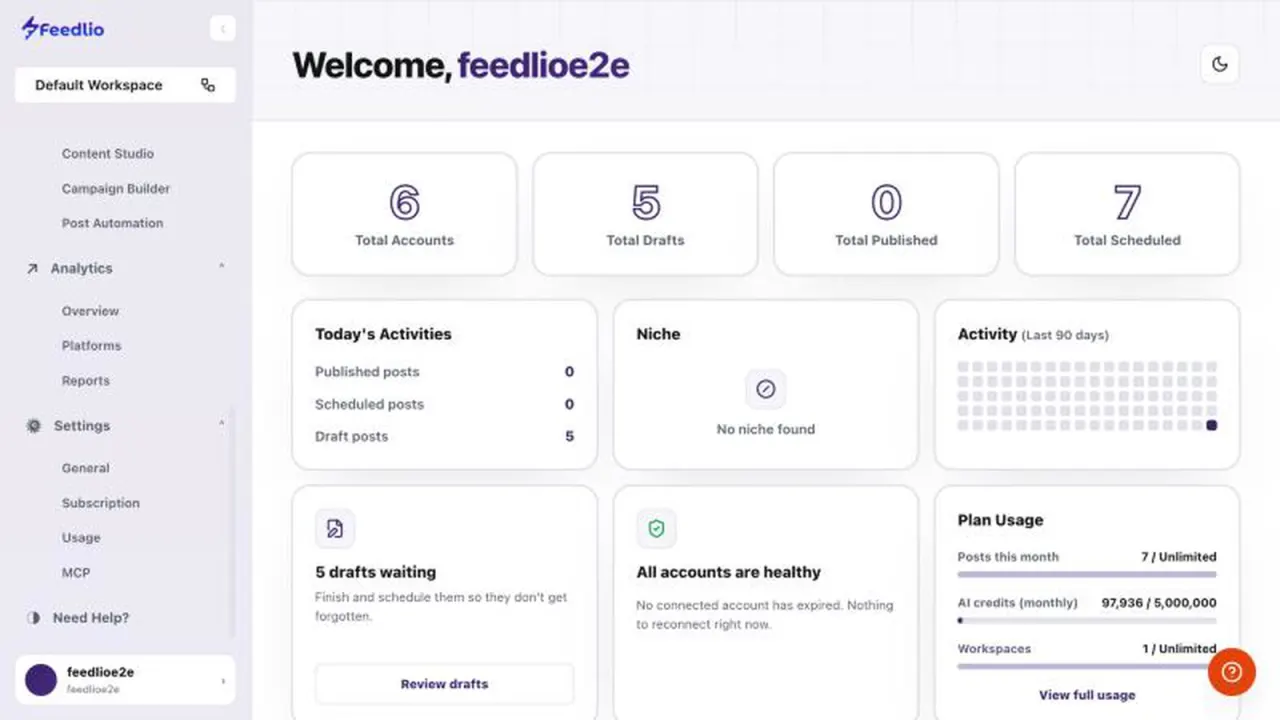
Get answers without leaving Feedlio. Ask Feedlio Assistant, take a page's guided tour, or open the support center for detailed articles.
 Video coming soon
Nothing to set up first. You can follow this guide straight away.
Follow along in the app. Tick each step off as you go.
Look for the orange ? button in the bottom right corner. It's on every page of Feedlio.
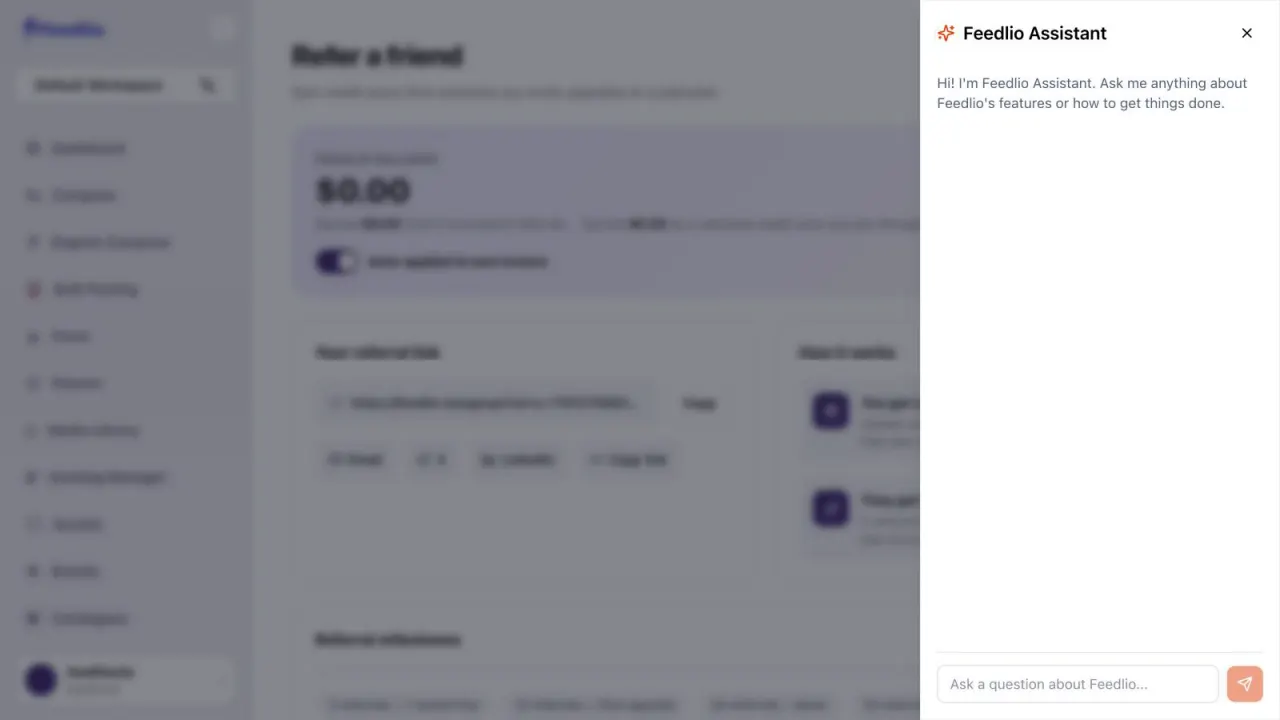
Click the ? button to open Feedlio Assistant. Type your question in Ask a question about Feedlio… and press Enter.
 12
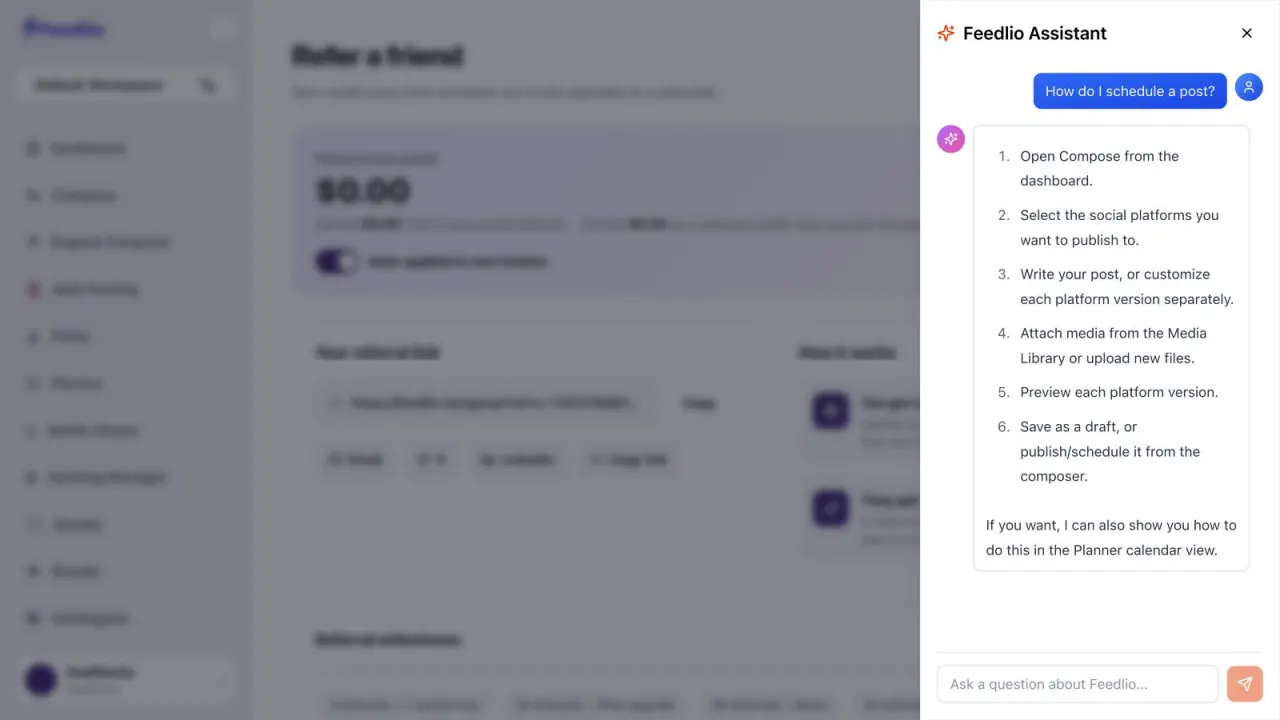
12Ask something like "How do I schedule a post?" and the assistant replies with numbered steps. Keep asking follow-up questions in the same panel.
Every feature also has a written guide here, like Compose a post.
 12
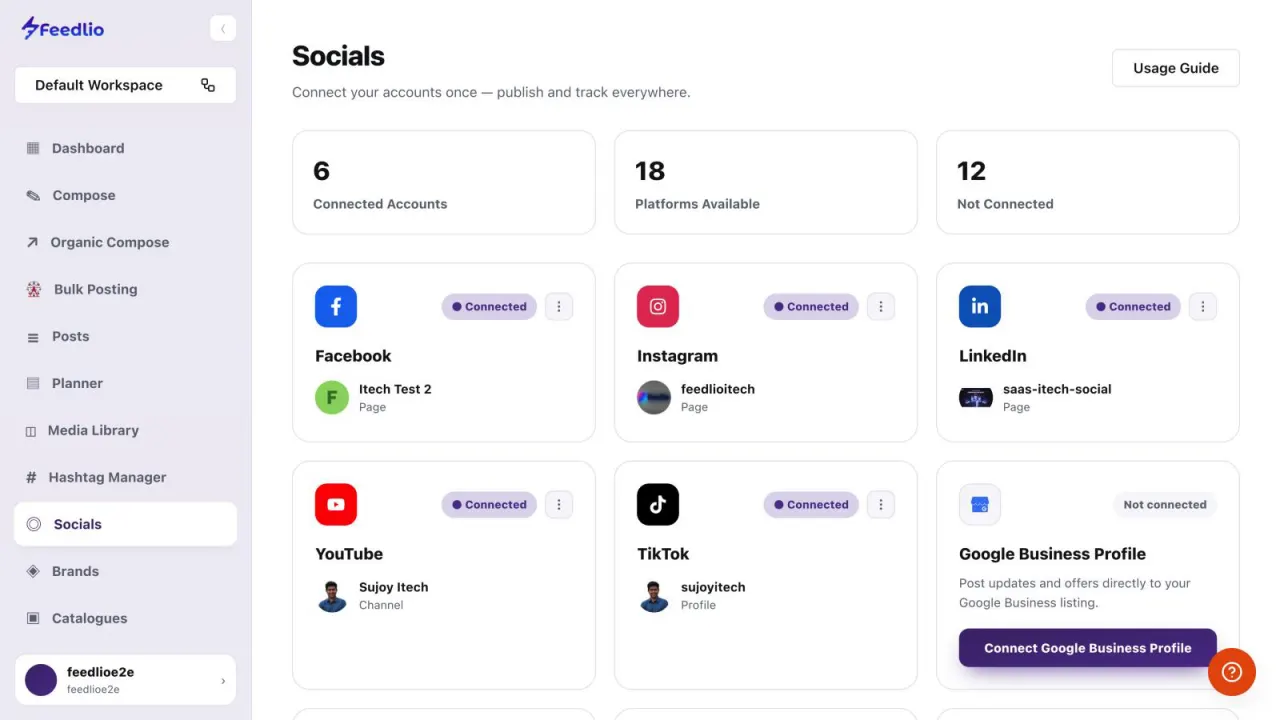
12Many pages, such as Compose, have a Usage Guide button at the top right. Click it for a guided walkthrough of that page.
For detailed articles and support, click Need Help? in the left sidebar. It opens the Feedlio support center.
Click the help button to ask Feedlio Assistant, follow a page's Usage Guide, or open Need Help? for the support center.
No. The assistant opens in a panel on the right side of the page you're on. Close it with the X when you're done.
Anything about Feedlio's features or how to get something done, such as how to schedule a post. You can keep asking follow-up questions.
Many pages, such as Compose, have a Usage Guide button at the top right.
Click Need Help? at the bottom of the left sidebar to open the Feedlio support center.
0:00Stuck on something? Feedlio has help built in everywhere. In this final tutorial, you'll learn how to get answers fast, without leaving the app.
0:10Look for the orange help button in the bottom right corner. It's on every page of Feedlio.
0:16Click it to open Feedlio Assistant. Type any question about Feedlio's features, or how to get something done, and press enter.
0:24For example, ask how to schedule a post. The assistant replies with clear, numbered steps, and you can keep asking follow-up questions.
0:34Many pages, like Socials and Compose, have a Usage Guide button at the top right. Click it for a guided walkthrough of that page.
0:43And for detailed articles and support, click Need Help in the sidebar to open the Feedlio support center.
0:50Let's recap. Click the help button to ask Feedlio Assistant, follow a page's Usage Guide, or open Need Help for the support center.
1:00That's the end of the series. You now know every part of Feedlio. Thanks for watching, and happy posting!