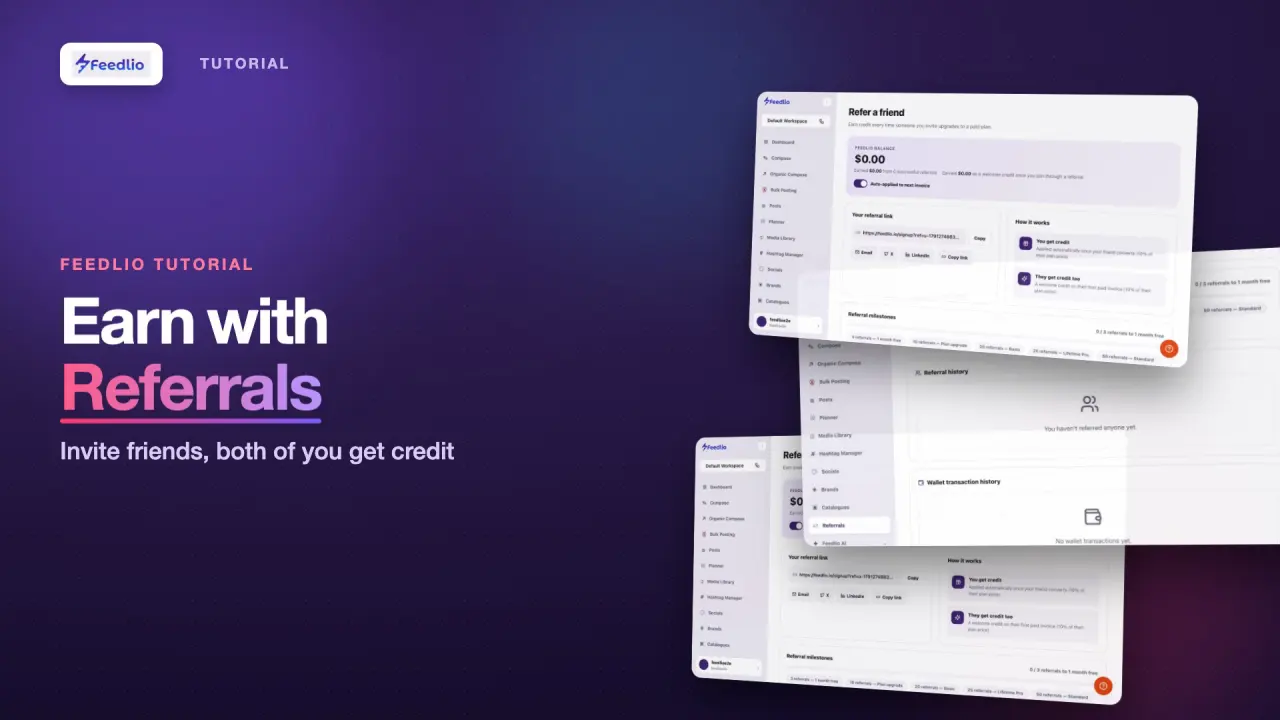
0:00Love Feedlio? Share it and get rewarded. In this tutorial, you'll learn how the referral program works and how to share your personal link.
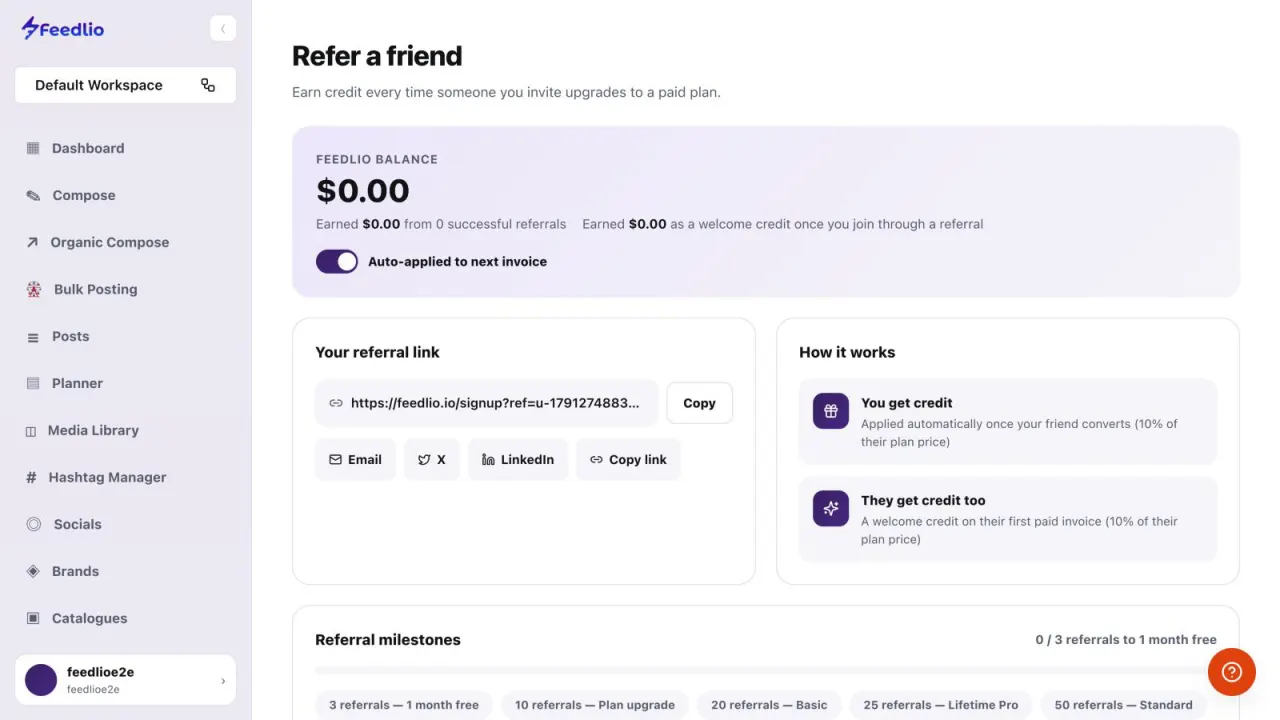
0:09Click Referrals in the sidebar. At the top you'll see your Feedlio balance. With auto-apply turned on, it's used on your next invoice automatically.
0:19Below is your personal referral link. Copy it, or share it straight away by email, on X, or on LinkedIn.
0:27Here's how it works. When your friend upgrades to a paid plan, you get credit worth ten percent of their plan price, and they get a welcome credit too.
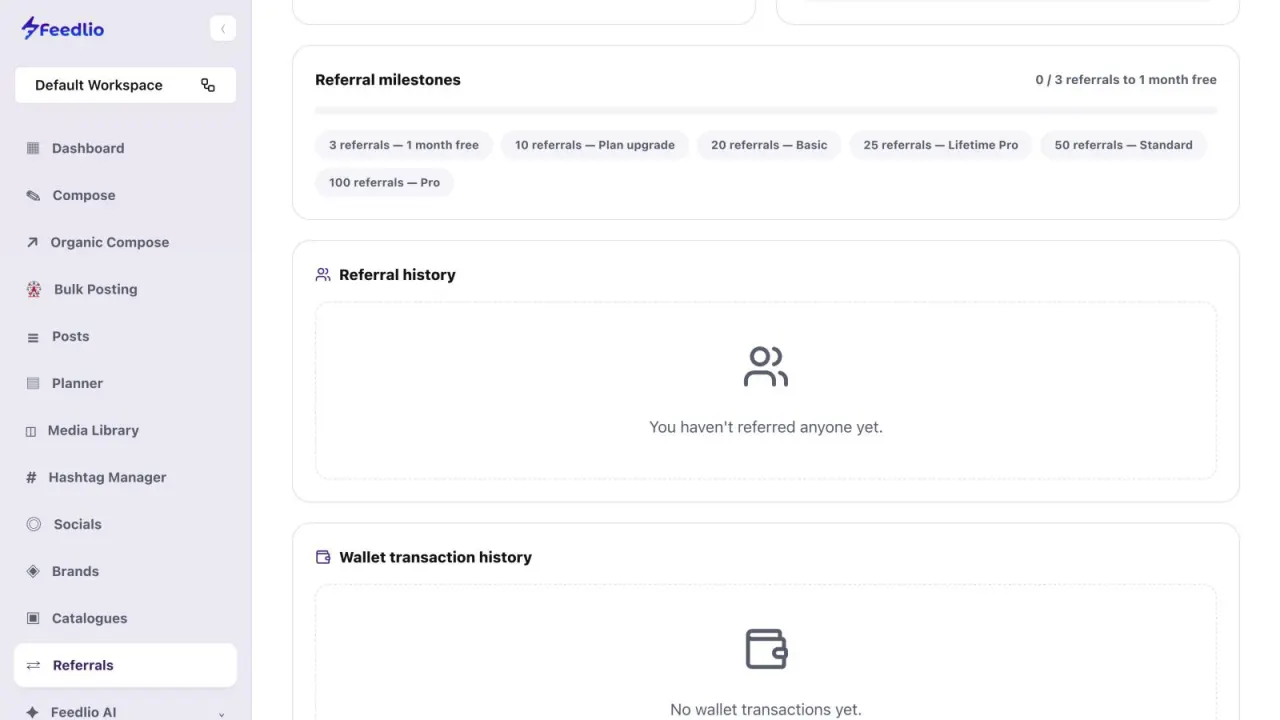
0:36Keep going to unlock milestone rewards, from one month free at three referrals, all the way up to a lifetime plan.
0:44Finally, follow your referrals and wallet transactions in the history sections at the bottom of the page.
0:51Let's recap. Check your balance, copy or share your referral link, and both you and your friend get credit. Unlock milestone rewards and track everything in your history.
1:02Start sharing your link today. In the final video, we'll show you where to get help whenever you need it.